
Overview
– Basic Functions – |
 |
Real-time image transmission |
 |
Blanking of all Student Screens |
|
| With just one touch of a button the screen content of any workplace is transmitted to an individual monitor, a group, or to all participants | In order to increase the participant’s attention, all student screens can be blanked with just one touch of a button |
 |
Videoscanner | Monitoring |
 |
Custom Keyboard Layout |
|
| All student screens are scanned and successively displayed on the teacher/ lecturer monitor in one-second intervals | The system keyboard can be adapted to the respective seating arrangement in the classroom |
 |
Electronic failure protection /
|
 |
||
| A fail-safe function ensures that all PCs, monitors, keyboards and mice remain functional at all times |
– Optional Functions – |
 |
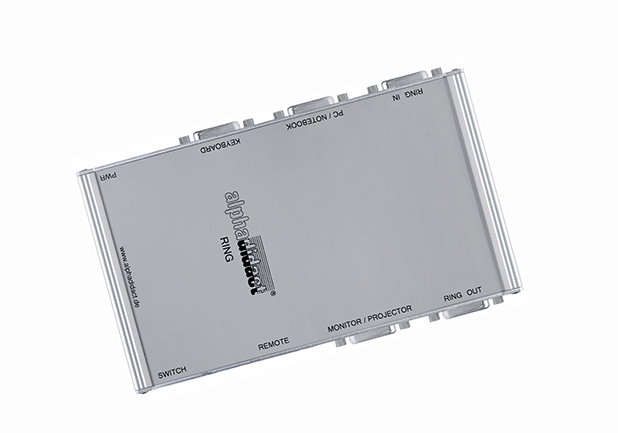
Notebook & Projector Link |
 |
Simultaneous Image Transmission through our
|
|
| alphadidact® Digital offers optionally an additional connection for a laptop and a projector | Our so-called “Advanced Function” allows for simultaneous image transmission from multiple signal sources |
 |
Integration of additional Devices
|
 |
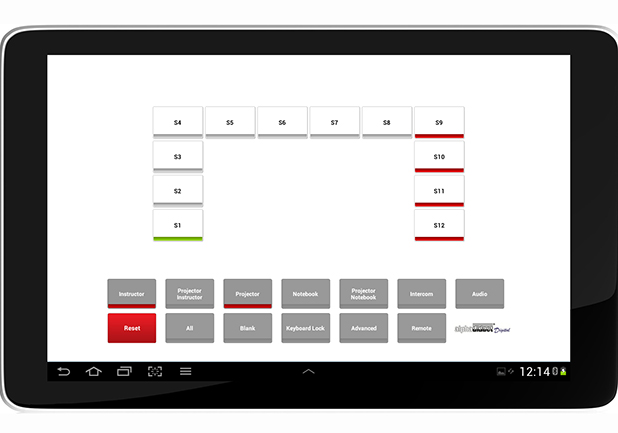
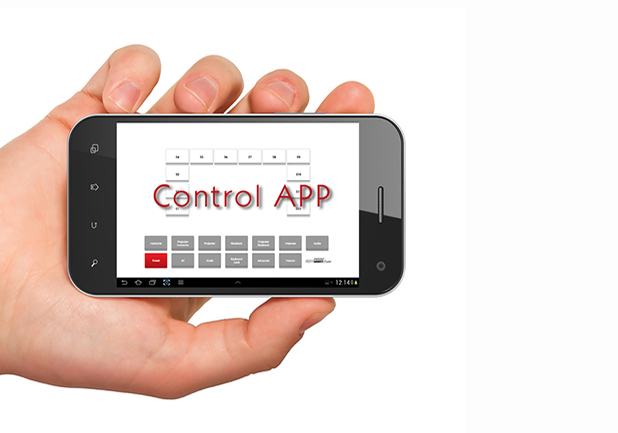
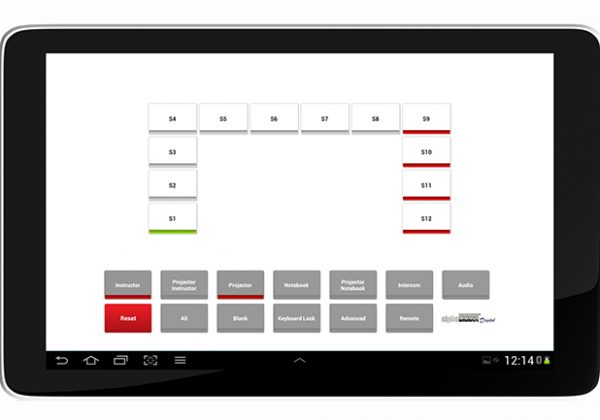
System-Control via Tablet & Smartphone |
|
| Additional signal sources such as document camera/ visualizer, camera, microscope, etc. can be integrated | Operation of the computer lab system via tablet or smartphone (via EBS App) |
 |
Remote Control & Lock for Keyboards / Mice |
 |
ScreenStudio | Lecture Capturing Function |
|
| Remote control and lock of one, several or all mice and keyboards through the instructor | The lecture capturing function allows you to digitize work progress, e.g. for subsequent editing |
 |
Audio-Line Function | Language Laboratory |
 |
Dual Screen Mode |
|
| alphadidact® Digital systems can be extended to include sound transmission in stereo quality | Connection of two monitors per workstation |
 |
Co-Teacher Operation |
 |
Privacy Protection Switch |
|
| Control of the system via two teacher/ lecturer workstations | By pressing a button, students can deactivate the Monitoring function and block the teacher from viewing their screen content |
 |
Serial Interface Control | RS232 |
|
||
| Integration into and control of the training systems via a media control unit |


 Unit L, 12/F, MG Tower, 133 Hoi Bun Road, Kwun Tong, Kowloon, Hong Kong
 852–3760–8100
 852–2104–1287